 5W IT Asset Manager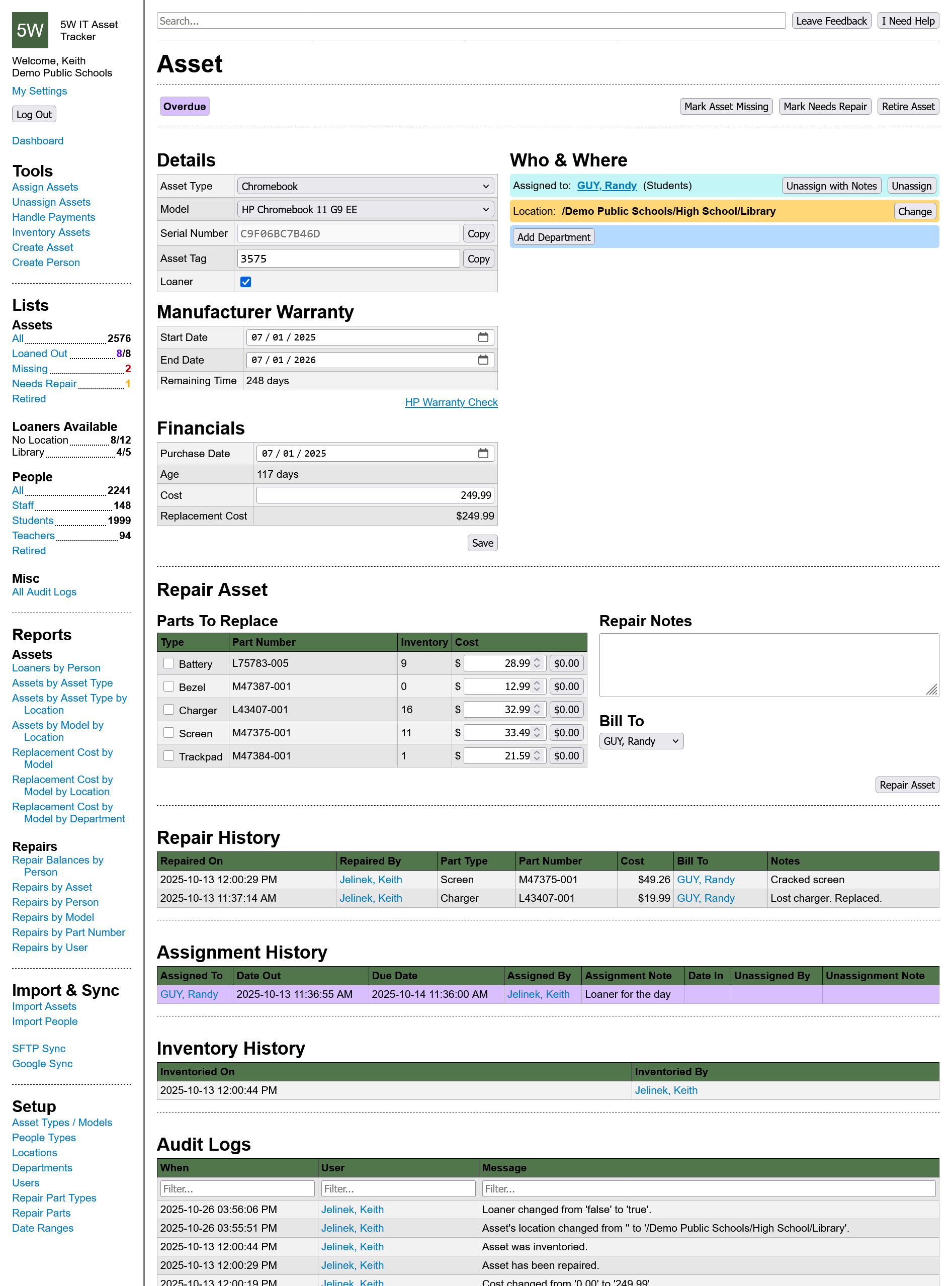
5W IT Asset Manager
is a cloud-based tool for keeping track of technology assets throughout their entire life cycle. Every action generates an audit log, contextual notes, and/or statistics that can be helpful when reviewed in the future. It's built for speed and simplicity with your team's productivity in mind.
Issue & Repair Tracking
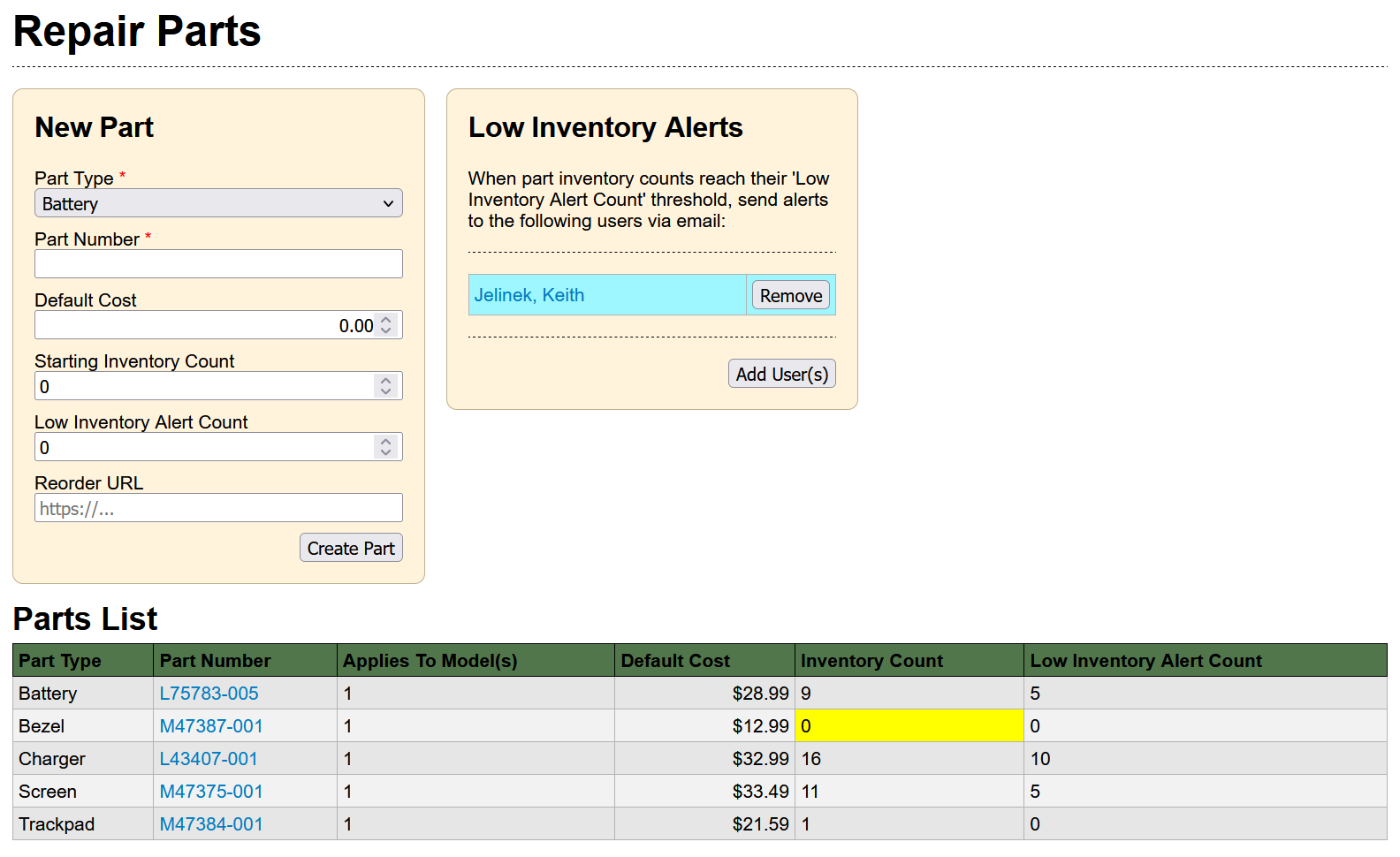
With a dedicated list of assets needing repair you can easily prioritize what to work on next. Manage parts, costs, inventory counts, and reorder info all in one place. Get email alerts when parts run low. Reports help you uncover common issues or people, forecast repair budgets, view repair balances. Every asset retains a full history of previous repairs and issues.
Loaners Made Easy
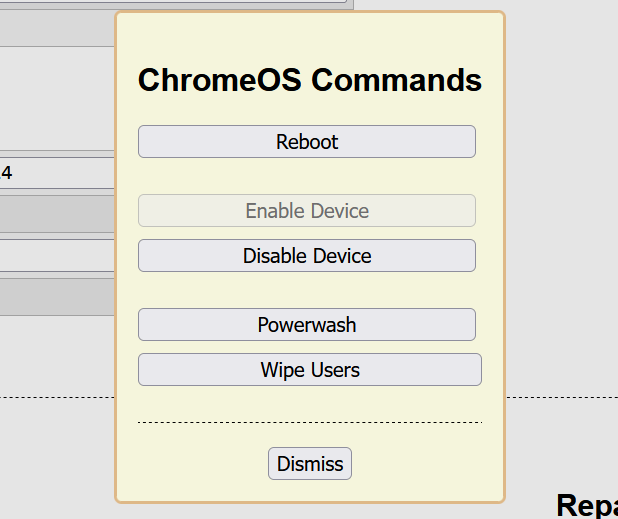
Managing loaners can be a job unto itself, so we made it as painless as possible. A dedicated space shows available loaners by location, a list keeps them organized, tools make them easy to give out and get back. You'll see the difference when overdue Chromebooks get disabled automatically.
Reports
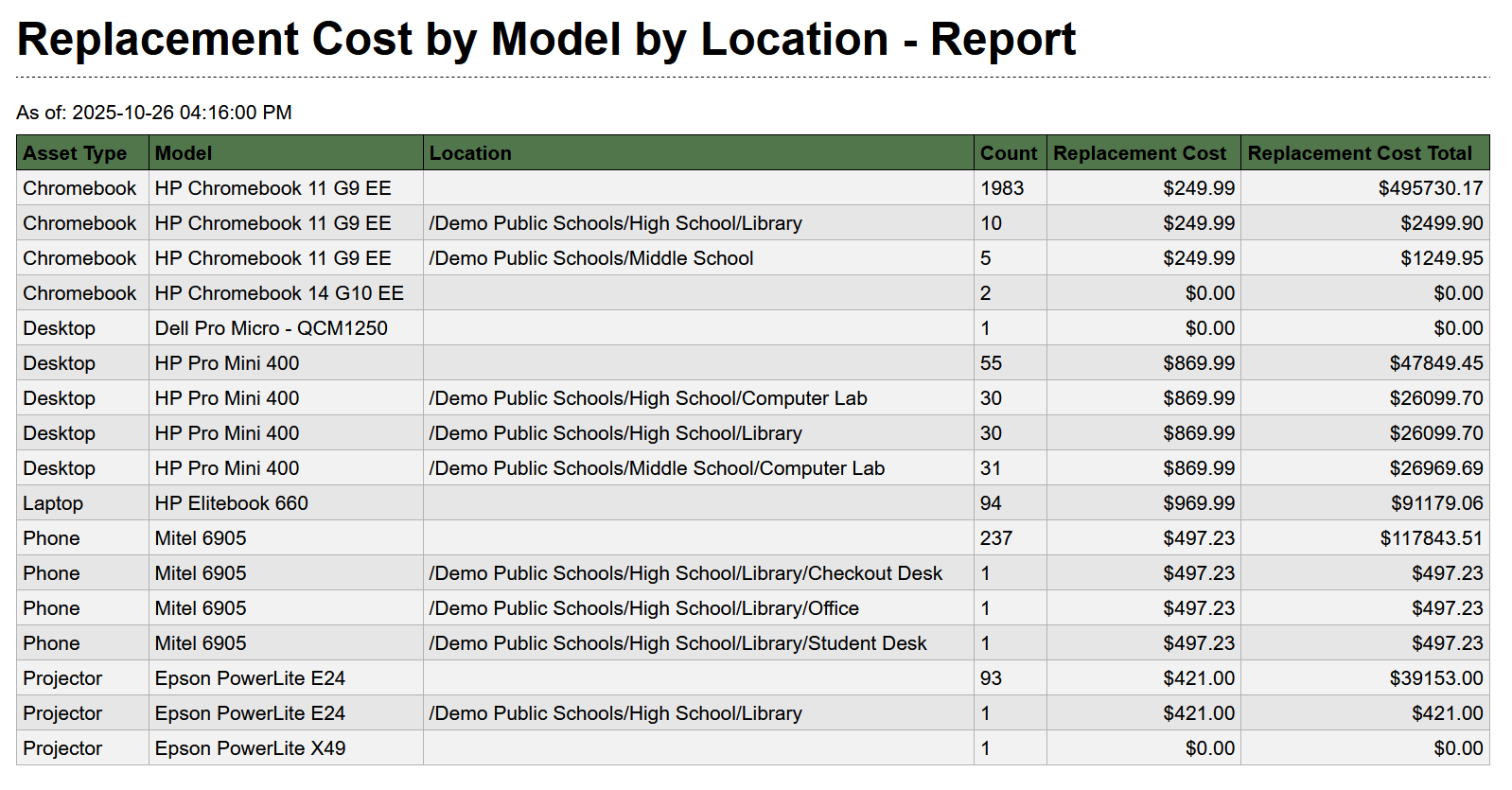
We maintain a variety of reports aimed at Tech Directors, Technicians, and Support Staff. Whether you're looking to plan next year's budget, see who uses too many loaners, or who owes money for repairs, we have it covered. If you're looking for a specific list of assets (say a Title I audit, or an inventory check), you can search, filter and sort assets like you would a regular spreadsheet.
Easy Onboarding
Import your existing spreadsheets, sync with Google, or import from your SIS over SFTP with just a few clicks. You get to preview potential changes before actually importing, too!
No More Stale Data
We know keeping your data up to date is important, so we give you multiple tools to make it easier. You can filter assets by location for room-by-room audits, see when an asset was last inventoried, or how old it is. You save money by only paying to manage the assets you care about, and the reports you run remain relevant.
3rd Party Integrations
- Google Workspace: Nightly syncs of devices and/or users. Allows for remote management of devices from within the app.
- Student Information Systems & Others: Nightly SFTP uploads from other apps.
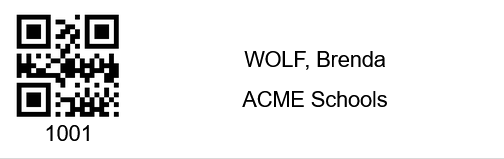
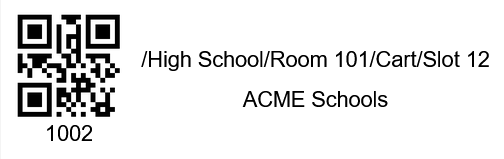
Print Your Own Asset Tags
Save time by using the data already entered into the app to print asset tags using our pre-made templates.
Fast Checkouts, Checkins and Inventorying
Dedicated pages built for barcode scanners allow you to work without typing or clicking inside the app. Especially helpful while handling 1:1 devices at the start or end of a school year.
Context Is Everything
Audit logs give you a chronological history of every action taken in the app. Notes give you the intent and the backstory behind them. Your team stays on the same page.
Try Free For 30 Days
Click here to start a self-serve free trial.